To download a picture of your car follow these steps:
On a Chromebook — Right click on the picture and choose “Save Image”
On an iPad — Touch and hold your finger on the car picture and select “Add to Photos” to save the picture.
On a Mac — Hold the Control key and click on the picture. Click “Save Image As …” and save the picture on your computer.
On a PC — Right click on the picture and choose “Save Image”

#201 - Electro Silhouette

#202 - 1996 Chevy 1500

#203 - Trim TRK

#204 - Lotus Esprit

#205 - 2005 Ford Mustang

#206 - Customized C3500

#207 - Purple Passion

#208 - Buzz Lightyear

#209 - Basher II

#210 - '69 Dodge Charger

#211 - Arachnorod

#212 - 16 Angels

#213 - 70 Camaro Z28 (green)

#214 - Fast Gassin'

#215 - Gruppo ×24

#216 - Scoopa Di Fuego

#217 - '10 Ford Shelby GT500 Super Snake

#218 - Batmobile

#219 - Rigor Motor

#220 - F1 Racer (blue)

#221 - SlideKick

#222 - Twin Mill II

#223 - Bone Shaker

#224 - Track Hammer

#225 - Back To The Future Time Machine

#226 - Jaded

#227 - Cadillac V-16

#228 - '66 Nova

#229 - Range Rover Velar

#230 - Nitrium

#231 - Lotus Project M250 (copper)

#232 - Ballistik (black WWE)

#233 - Porsche Carrera GT

#234 - Olds 442 (Big Wheels)

#235 - D-Muscle

#236 - '72 Ford Ranchero

#237 - Fish'd & Chip'd (Pete)

#238 - Rodger Dodger 2.0

#239 - 64 Riviera

#240 - Pagani Huayra

#241 - Nerve Hammer (purple)

#242 - Vandetta

#243 - 5 Alarm

#244 - Altered Ego

#245 - Corvette Stingray

#246 - Driftsta

#247 - Subaru Impreza WRX

#248 - Ford Thunderbolt

#249 - Land Rover Series IlI Pickup

#250 - Boom Box

#251 - Aero Pod

#252 - Sting Rod II

#253 - California Cruisin

#254 - Hyperliner

#255 - Road Bandit (yellow)

#256 - Road Bandit (red)

#257 - Quick Bite

#258 - Dodge Power Wagon

#259 - Rig Heat

#260 - Buzzerk

#261 - Lamborghini Huracan LP 610-4

#262 - Surf Crate

#263 - Scion xB

#264 - 4Ward Speed

#265 - Croc Rod

#266 - RD-04

#267 - Riley & Scott MKII

#268 - Pikes Peak Celica

#269 - 1970 Chevrolet Chevelle SS

#270 - La Troca

#271 - 2010 Ford Mustang GT

#272 - Rex Rider

#273 - '17 Ford GT

#274 - Ferracin

#275 - Kick Kart

#276 - Gangster Grin

#277 - Rogue Hog

#278 - Bot Wheels

#279 - Track Manga

#280 - '10 Ford Shelby GT500 Super Snake (red bottom)

#281 - Sentinel 400 Limo

#282 - '71 Datsun 510 Wagon

#283 - '64 Chevelle SS

#284 - Mega-Duty

#285 - AudiR S5 Coupé

#286 - 2JETZ

#287 - '16 Mercedes AMG GT3

#288 - Sir Ominous

#289 - 1980 Corvette

#290 - Surf Crate (tiki)

#291 - '70 Dodge Daytona

#292 - Voltage Spike

#293 - F1 Racer (purple)

#294 - Steel Flame (green)

#295 - Aston Martin DBS

#296 - Tooligan

#297 - '07 Audi R8

#298 - Vampyra

#299 - Lamborghini Countach

#300 - Ice 'T'

#301 - Justice League Batmobile

#302 - RD-02 (Green)

#303 - Super Stinger

#304 - Invader

#305 - Teegray

#306 - Zotic

#307 - Camaro Z-28

#308 - Custom '67 Pontiac Firebird

#309 - '65 Mustang Convertible

#310 - Hypertruck

#311 - Acura NSX

#312 - Lotus Project M250 (green)

#313 - Aloine A110 (blue)

#314 - Rockin' Santa Sled

#315 - El Camino

#316 - Formula Solar

#317 - Rouge Hog

#318 - Backdraft
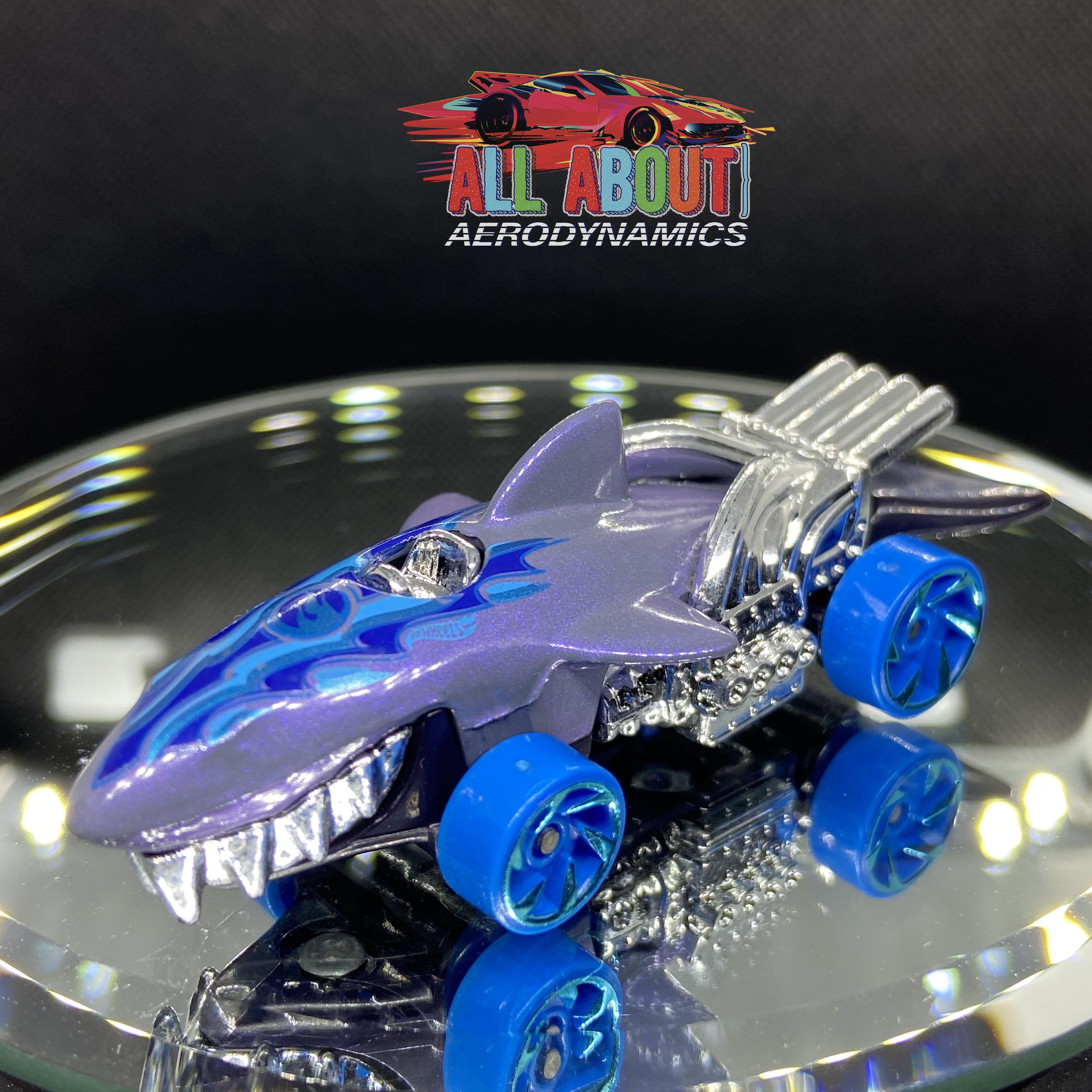
#319 - Sharkruiser

#320 - Bubble Matic

#321 - Sweet 16 lI

#322 - Volkswagen Kafer Racer

#323 - Megane Trophy

#324 - Lotus Project M250 (black)

#325 - '63 Chevy lI
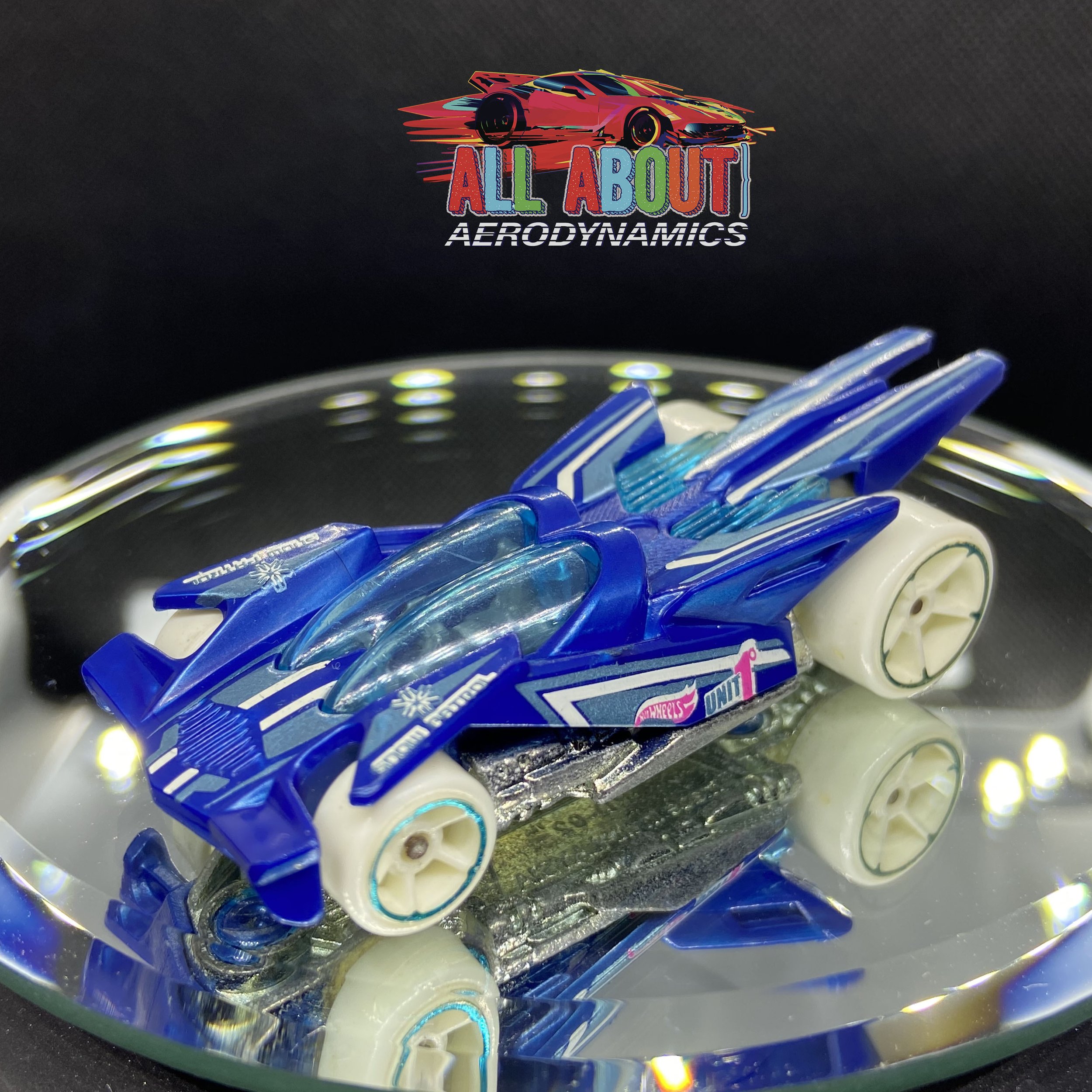
#326 - RD-02 (blue)

#327 - Power Rocket

#328 - Hover & Out

#329 - Seared Tuner

#330 - Aston Martin D B10

#332 - Road Cannibal

#333 - Motosaurus

#334 - Muscle Speeder

#335 - RRRoadster

#336- '68 Mercury Cougar

#337 - Ion Motors Thresher

#338 - '68 Dodge Dart

#339 - '69 Dodge Charger 500

#340 - Rocket Box (orange)

#341 - 2011 Camaro

#342 -Rodger Dodger (Steam Punk)

#343 - Corvette Stingray (orange)

#344 - Volkswagen T2 Pickup

#345 - Stormtrooper

#346 - Darth Vader

#347 - Covelight
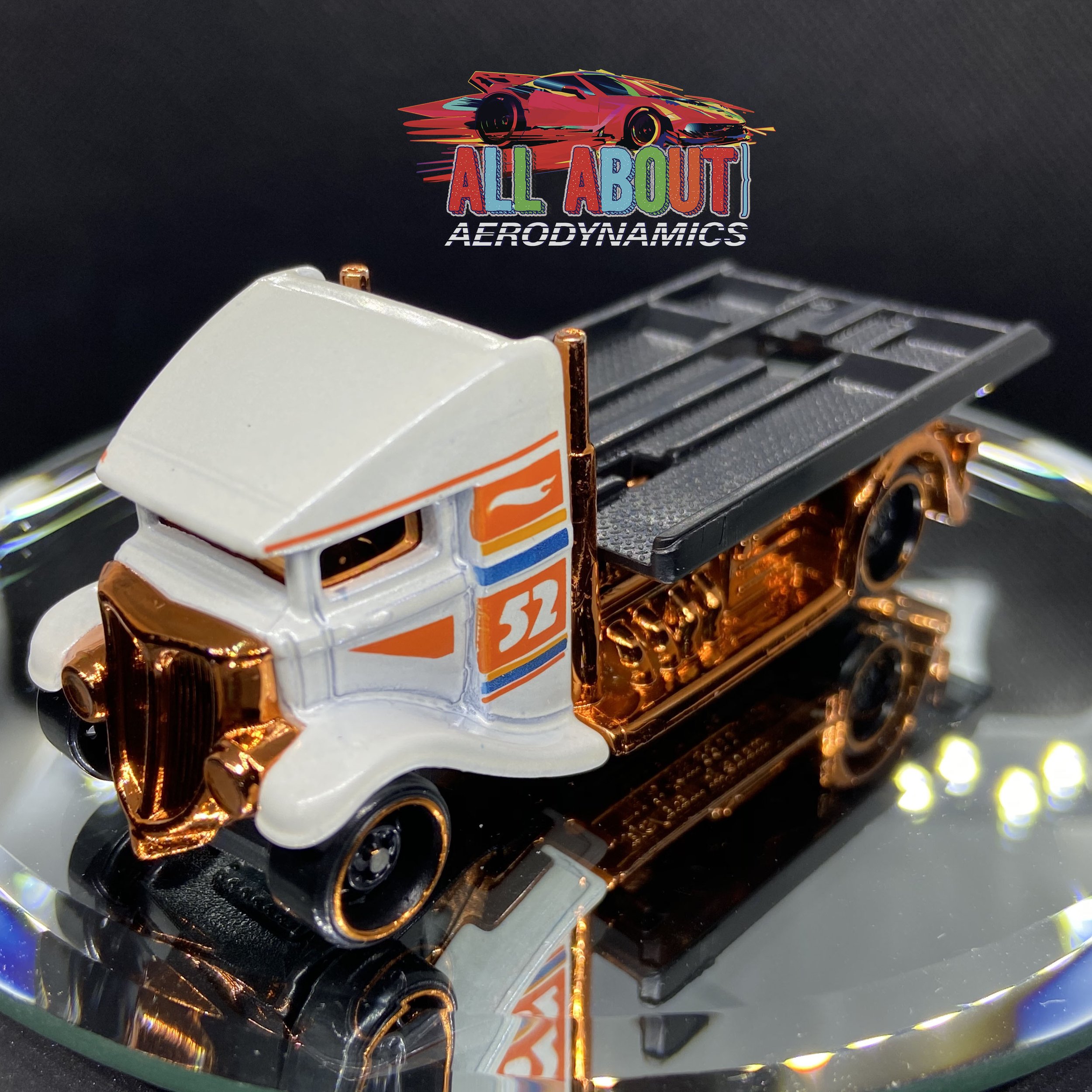
#348 - Fast-Bed Hauler

#349 - Mustang Mach 1

#350 - 08 Dodge Challenger

#351 - 17 Ford GT

#352 - '69 Chevelle

#353 - Custom Otto

#354 - El Viento

#355 - 2018 Ford Mustang GT

#356 - McLaren P1

#357 - '68 COPO Camaro

#358 - 16 Bugatti Chiron

#359 - Super Volt

#360 - Porsche 356 Outlaw

#361 - Batmobile (gold)

#363 - Greenwood Corvette (blue)

#364 - Custom '18 Ford Mustang GT

#365 - Qombee

#366 - Dodge Charger Drift

#367 - Sooo Fast

#368 - Time Attaxi

#369 - '64 Chevy Nova Station Wagon

#370 - CULBR (blue)

#371 - Cool One

#372 - Ballistik (yellow)

#373 - Circle Trucker

#374 - Cloak and Dagger

#375 - Ferrari P4

#376 - Aristo Rat

#377 - Ferrari 333 SP (Orange)

#378 - Carbide

#379 - Straight Pipes

#380 - 11 Dodge Charger R/T

#381 - Silhouette

#382 - Alpine A110 (gray)

#383 - CCM Country Club Muscle

#384 - El Viento (yellow)

#385 - Maelstrom

#386 - Batmobile (The Brave and The Bold)

#387 - Inside Story

#388 - Hemi Cuda

#389 - Slikt Back
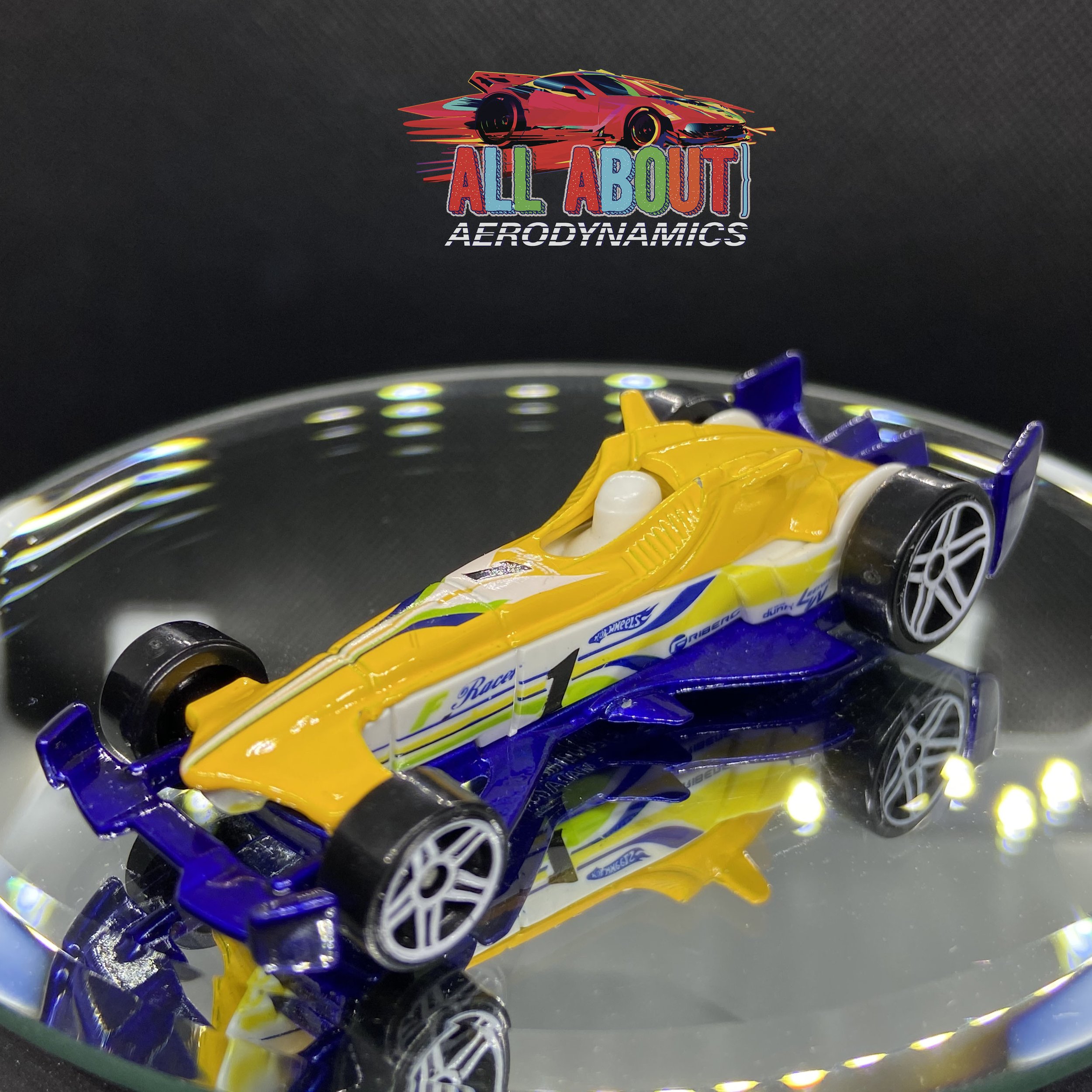
#390 - F-Racer

#391 - Pixel Shaker

#392 - Shredded

#393 - Piledriver

#394 - Torino Stocker

#395 - Batmobile 1966

#396 - Muscle Speeder (White)

#397 - '64 Chevy Impala

#398 - '49 Volkswagon Beetle Pickup

#399 - Alpha Pursuit

#400 - Telsa Model 3